On this page
The short answer
A WhatsApp chatbot answers and sends messages on your business number automatically, through Meta's official WhatsApp Business Platform. You need a Meta business portfolio, an API connection (direct or through a provider), approved message templates and customer opt-in. As of October 2026, Meta charges per delivered message, with a free monthly allowance of service replies.
What a WhatsApp chatbot actually is
A WhatsApp chatbot sits between your WhatsApp number and your business systems. When a customer messages you, the bot reads the message, decides what to do, and replies. That might mean showing a menu, looking up an order, booking a slot, or passing the chat to a person.
There are two broad types:
- Rule-based bots follow buttons and menus. They are predictable and cheap, but break when people type something unexpected.
- AI chatbots for WhatsApp use a language model to understand free text. They answer from your own content, such as FAQs, policies and product data. They handle real conversations better, but need guardrails and a hand-off to humans.
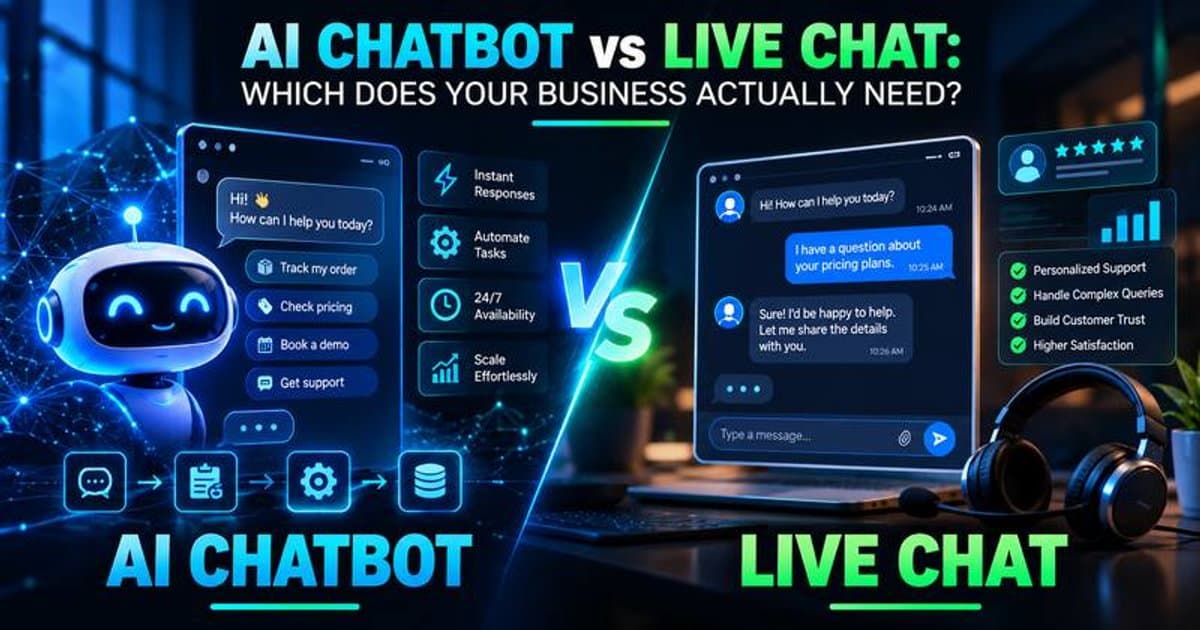
Most good setups mix both: buttons for common paths, AI for everything else. If you are weighing bots against human agents, our post on AI chatbots vs live chat covers when each makes sense. If you want the whole thing designed and run for you, that is part of our customer support automation service.
WhatsApp Business API vs the Business app vs unofficial tools
This is the decision that matters most, and the one people most often get wrong.
The WhatsApp Business app is the small-business app. It gives you a business profile, a product showcase, and automatic greeting and away messages. It is built for a person chatting from a phone, not for a real chatbot or CRM integrations.
The WhatsApp Business Platform (API) is Meta's official route for automation. You connect through Meta's Cloud API or through a Business Solution Provider (BSP). This is what lets you run a proper chatbot, connect other systems, put several agents on one number, and send approved notifications.
Unofficial tools include browser-automation scripts, "WhatsApp Web" bots, bulk senders and modified apps. They are tempting because they skip verification. But WhatsApp's Terms of Service prohibit "bulk messaging, auto-messaging, auto-dialing, and the like". They also bar accessing the service through unauthorised automated means. In practice, that puts your number at risk of being restricted or banned. If WhatsApp is a main sales channel, losing the number costs far more than the API setup.
One more policy point. Since January 2026, Meta's WhatsApp Business Platform terms bar AI providers from the platform when a general-purpose AI assistant is the main product. The same clause says the ban applies when the AI is the primary function, not an incidental one. A support bot for your store, hotel or clinic is fine. Building "ChatGPT on WhatsApp" for the public is not.
WhatsApp chatbot use cases by industry
Here is where WhatsApp chatbots tend to earn their keep.
- Ecommerce: order confirmations, shipping updates and "where is my order?" lookups that pull live status from Shopify or your courier. Also returns requests and back-in-stock alerts for customers who opted in.
- Hotels and hospitality: pre-arrival messages with check-in details, collecting arrival times and special requests, and answering questions about parking or breakfast. See our page on hospitality automation.
- Real estate: qualifying enquiries from listings and ads by asking budget, location, timeline and financing, then booking viewings with the right agent. Our page on real estate automation shows how this connects to a CRM.
- Clinics and wellness: booking, rescheduling and cancelling appointments, sending reminders, and sharing pre-visit instructions. Keep medical advice out of the bot and route clinical questions to staff.
- Service businesses: quotes, job updates, and collecting photos or documents from customers before a visit.
How to set up a WhatsApp chatbot step by step
The process is similar whether you use a platform or build your own.
- Set up your Meta business. You need a Meta business portfolio. New portfolios start with a limit of 250 unique users per rolling 24 hours, and verifying your business is one way to raise it.
- Choose your access route. Either connect directly to Meta's Cloud API or sign up with a BSP that handles onboarding and gives you an inbox and bot builder.
- Register a phone number. A number registered on the platform cannot also be used with the regular WhatsApp app. If you already use the WhatsApp Business app, Meta offers an onboarding option to connect that existing number. Ask your provider if it supports this.
- Create and submit message templates. Any message sent outside an open customer service window must be a pre-approved template. Meta groups templates as marketing, utility or authentication.
- Design the bot flows. Map the top questions, decide what the bot can do on its own, and define when it hands off to a person.
- Respect the 24-hour customer service window. Per Meta's docs, when a user messages or calls you, a 24-hour customer service window starts. It resets each time they message again. Inside it you can send normal messages. After it closes, you can only send approved templates.
- Collect opt-in properly. Meta's docs state you can only message users who have opted in. The WhatsApp Business Messaging Policy requires opt-in permission confirming they want your messages. Use a checkbox at checkout, a form, or a clear prompt in chat.
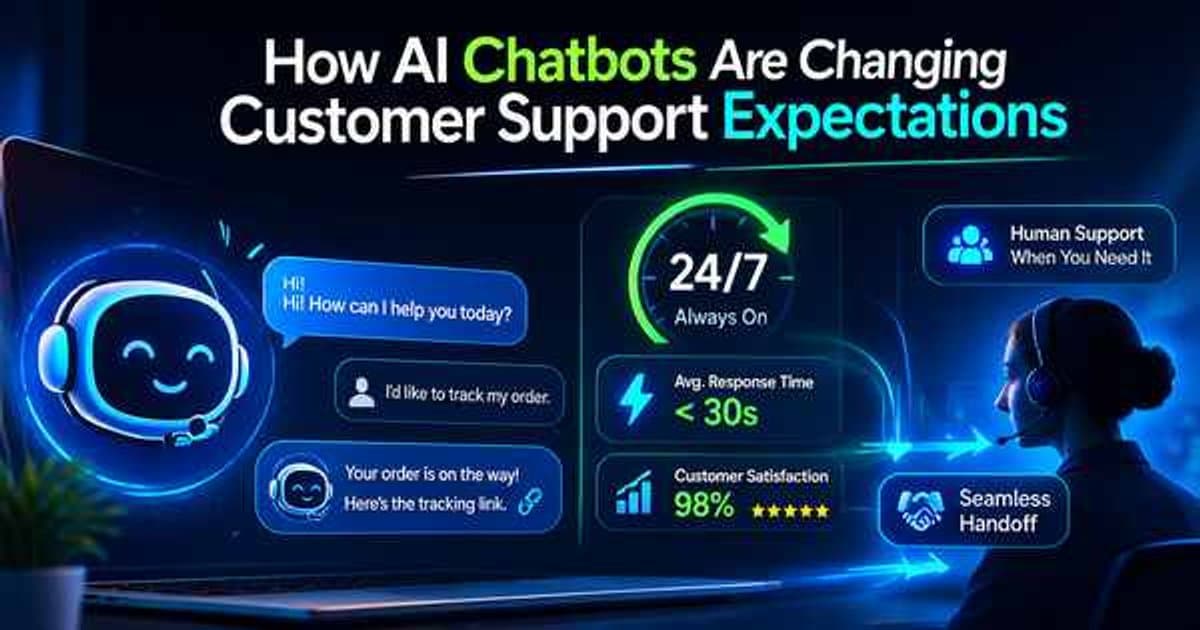
- Build a human escalation path. The same policy requires automated experiences to offer "prompt, clear, and direct escalation paths". Examples include a human agent, a phone number or email.
- Test, launch and monitor. Watch where people drop off, where the bot says "I don't know", and how often it hands off.
How WhatsApp Business pricing works
Meta has changed its pricing twice recently, so older guides are out of date. Here is how it works as of October 2026, according to Meta's WhatsApp pricing documentation:
- Per-message pricing replaced conversation-based pricing on July 1, 2025.
- You pay only for delivered messages you send. Messages from customers to you are not charged.
- Service replies have a free allowance. Each business phone number gets 1,000 free delivered service messages a month, and unused ones do not roll over. Since October 1, 2026, service messages beyond that are charged.
- Utility templates inside an open window are now charged. They were free from July 2025, but moved to regular pricing on October 1, 2026.
- Click to WhatsApp ads open a free window. When someone messages you from one of these ads in the mobile app, a free entry point window opens for up to 7 days. During it, Meta does not charge for marketing, utility, authentication or service messages.
- Rates depend on the recipient's country calling code and the message category.
- Volume tiers lower utility and authentication rates as your monthly volume grows. They do not apply to marketing messages.
- Changes land on set dates. Meta only updates pricing on the first day of a quarter.
We are not quoting specific rates because they vary by country and change each quarter. Meta publishes the current rate cards on that page. If you use a BSP or chatbot platform, expect its subscription or markup on top of Meta's charges. Also make sure a payment method is on file, because Meta says service messages can be stopped without one.
What this means in practice: a support bot that mostly replies to customers who message first stays cheap on Meta's side, at least within the free allowance. Costs climb with outbound marketing templates and with high reply volumes.
Build vs buy: platforms vs a custom WhatsApp chatbot
You have two realistic paths.
Buy a platform such as WATI, Interakt, AiSensy or a similar BSP tool. These typically give you a shared inbox, a flow builder, broadcast tools and template management. This suits businesses that mainly need broadcasts, a team inbox and simple menu bots.
Build custom using the Cloud API, a workflow tool such as n8n, and an AI model connected to your own data. n8n's WhatsApp Business Cloud node can send messages and approved templates. You can see the kind of workflows behind this in our guide to n8n workflow examples for small businesses. Custom suits businesses that need the bot to read and write to their CRM, booking system or store, or want AI answers grounded in their own content.
| Factor | WhatsApp Business app | BSP platform | Custom (Cloud API + n8n + AI) |
|---|---|---|---|
| Official and safe | Yes | Yes | Yes |
| Real chatbot | No, greeting and away messages only | Yes, mostly flow-based, some AI | Yes, fully flexible |
| Integrations | Very limited | Common apps via built-in connectors | Any system with an API |
| Team inbox | Limited | Usually included | Needs a helpdesk or inbox tool |
| Ongoing cost | No Meta messaging fees | Platform subscription plus Meta fees | Hosting, AI usage and maintenance plus Meta fees |
| Setup effort | Minutes | Days | Weeks, depending on scope |
| Best for | Solo owners chatting manually | Broadcasts and simple support | Deep integrations and AI support |
Our honest take: if your needs are simple, buy a platform. Build when the bot has to do things in your systems, or when platform limits keep getting in the way.
Common mistakes to avoid
- Using an unofficial tool "just to test". Numbers get flagged, and you may not get them back.
- No clear hand-off. A bot that traps customers in loops does more harm than no bot.
- Messaging people who never opted in. That breaks policy and drives blocks and reports.
- Letting AI answer anything. Limit it to your own content, and have it say "let me get a colleague" when unsure.
- Ignoring the 24-hour window. Plan which follow-ups need templates and get them approved early.
- Budgeting on old pricing. Service replies and in-window utility templates are no longer free without limit. Re-check costs each quarter.
Getting started
Start with one job the bot does well, such as order status or booking, and a clean hand-off for everything else. Get your Meta business setup moving early, since verification and template approval are often the slowest steps.
Need help choosing between a platform and a custom build? Our customer support automation team can scope an AI-assisted WhatsApp chatbot connected to your systems.
We cover this in more depth as part of our Customer Support work — explore the full scope and how pricing typically breaks down.