On this page
The short answer
The most useful n8n workflows for a small business are the routine ones: leads into your CRM with an instant reply, invoice data extraction, Slack or WhatsApp alerts, weekly reports and AI ticket triage. Each starts with a trigger, passes data through a few nodes, and replaces a task someone on your team does by hand.
Why n8n works well for small businesses
n8n is a workflow automation tool. You connect apps with nodes on a visual canvas, and each run moves data from one step to the next. What makes it a good fit for smaller teams is how it bills and where it runs.
On n8n Cloud, an execution is a single run of your entire workflow, no matter how many steps it has. That matters when your workflows have 15 or 20 nodes. You can also run it on your own server: without a license key, n8n runs as the free Community edition.
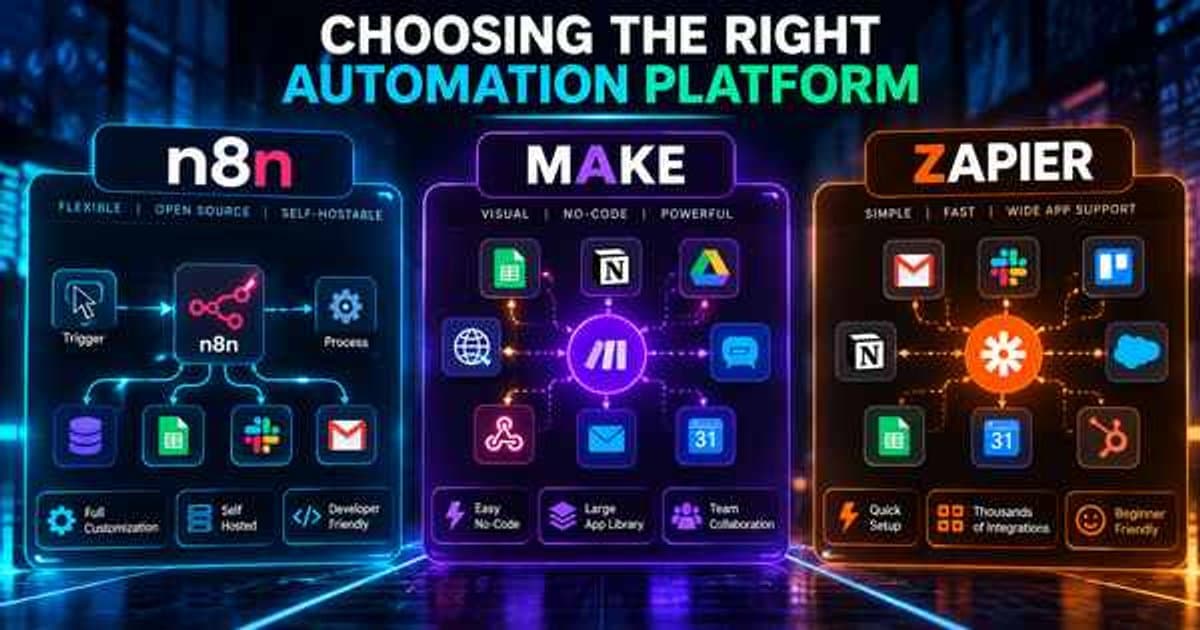
If you are still choosing between tools, our comparison of n8n vs Make vs Zapier covers the trade-offs. If you already know you want n8n and would rather not build it yourself, that is what our n8n automation service does.
You also do not have to start from a blank canvas. As of October 2026, n8n's public library lists more than 13,000 workflow templates. Treat them as starting points, not finished products. Most need real error handling and your own field mappings before they are safe to run.
1. Lead capture to CRM with an instant reply
Trigger: a webhook from your website form, or a Typeform, Tally or Facebook Lead Ads trigger.
Key nodes: the form trigger, an Edit Fields (Set) node to clean up names and phone numbers, and your CRM node (HubSpot, Pipedrive, or a Google Sheet for very small teams). Then an email or WhatsApp node for the reply, and a Slack node to tell sales.
What it replaces: someone checking the inbox, copying details into the CRM, and replying hours later.
Pitfalls: duplicate contacts. Always search the CRM for the email or phone number first, and update the record if it exists. Also, keep the instant reply honest. "Thanks, we will call you within one business day" beats a fake personal note.
2. Invoice and receipt extraction with an AI node
Trigger: a Gmail or Outlook trigger that watches for emails with PDF attachments, or a Google Drive Trigger on a folder.
Key nodes: an Extract from File node to pull text out of the PDF, and an AI node (OpenAI, Anthropic or similar) with a structured output prompt. It returns supplier, date, total, tax and line items. Then a node writes them to your accounting tool or a spreadsheet.
What it replaces: manual data entry from supplier invoices and staff receipts.
Pitfalls: scanned images with no text layer need OCR first. And never let the AI post straight into your books. Write to a "to review" sheet or draft bill, and have a person approve totals above a threshold you choose.
3. Instant alerts to Slack or WhatsApp
Trigger: almost anything. A new high-value order, a payment failure from Stripe, a one-star review, or a form marked "urgent".
Key nodes: the trigger, an IF node to filter what actually matters, and a Slack node or the WhatsApp Business Cloud node, which can send messages and approved templates.
What it replaces: refreshing dashboards and finding out about problems the next morning.
Pitfalls: alert fatigue. If a channel fires 50 times a day, people mute it, so filter hard. WhatsApp messages to customers also come with rules about templates, opt-in and per-message fees. We cover those in our guide to a WhatsApp chatbot for business.
4. Weekly reporting on autopilot
Trigger: a Schedule Trigger, for example every Monday at 8am.
Key nodes: nodes that pull last week's numbers from Google Analytics, your ad accounts, Shopify or your CRM. Then a Code or Aggregate node to total them, an optional AI node to write a three-line summary, and an email or Slack node to send it.
What it replaces: someone spending Monday morning exporting CSVs and pasting them into a slide.
Pitfalls: time zones and date ranges. Decide whether "last week" means Monday to Sunday in your local time, and set it explicitly. Otherwise the numbers will never match the source tools.
5. Support ticket triage with AI classification
Trigger: a new ticket in Zendesk, Freshdesk, Help Scout or a shared Gmail inbox.
Key nodes: the trigger, an AI node that classifies the ticket (billing, technical, sales, complaint) and scores urgency, and a Switch node to route by category. Add nodes to tag, assign or post to the right Slack channel. You can also add a step that drafts a reply for an agent to check.
What it replaces: a person reading every ticket just to decide who should read it.
Pitfalls: give the model a fixed list of categories and an "unsure" option, and send "unsure" to a human. Log every classification so you can spot drift.
6. Shopify order to fulfilment updates
Trigger: the Shopify Trigger on order created or fulfilment updated.
Key nodes: Shopify, an HTTP Request node for your 3PL or courier API, a Google Sheets or database node for tracking, and email, SMS or WhatsApp nodes for customer updates.
What it replaces: copying orders into a warehouse portal and answering "where is my order?" emails.
Pitfalls: webhooks can arrive twice or out of order. Store the order ID and status, and skip anything you have already processed.
8. New client or employee onboarding
Trigger: a deal marked "won" in your CRM, a signed contract webhook, or a new hire row in your HR sheet.
Key nodes: nodes to create a Google Drive folder from a template, add the person to Slack or a project tool, and create tasks in ClickUp, Asana or Notion. Then a welcome email sequence with Wait nodes between messages.
What it replaces: a checklist that someone forgets half of.
Pitfalls: permissions. The n8n credential creating folders and accounts often has admin rights. Scope it as narrowly as you can, and log every action.
9. Appointment reminders and no-show follow-up
Trigger: a Schedule Trigger that checks your calendar (Google Calendar, Calendly or your booking tool) every hour.
Key nodes: a calendar node, a Date & Time node to find appointments 24 hours out, and an SMS, email or WhatsApp node for the reminder. A second branch messages people marked as no-shows with a rebooking link.
What it replaces: front-desk staff phoning clients the day before.
Pitfalls: do not message people who cancelled. Re-check the booking status right before sending, not just when the workflow started.
10. Lead enrichment and follow-up nudges
Trigger: a new contact in your CRM, or a Schedule Trigger that finds deals with no activity in seven days.
Key nodes: an HTTP Request node to an enrichment API and an AI node to summarise the company from its website. Then a CRM update node, and a Slack message to the deal owner with a suggested next step.
What it replaces: sales reps researching each lead by hand and forgetting stale deals.
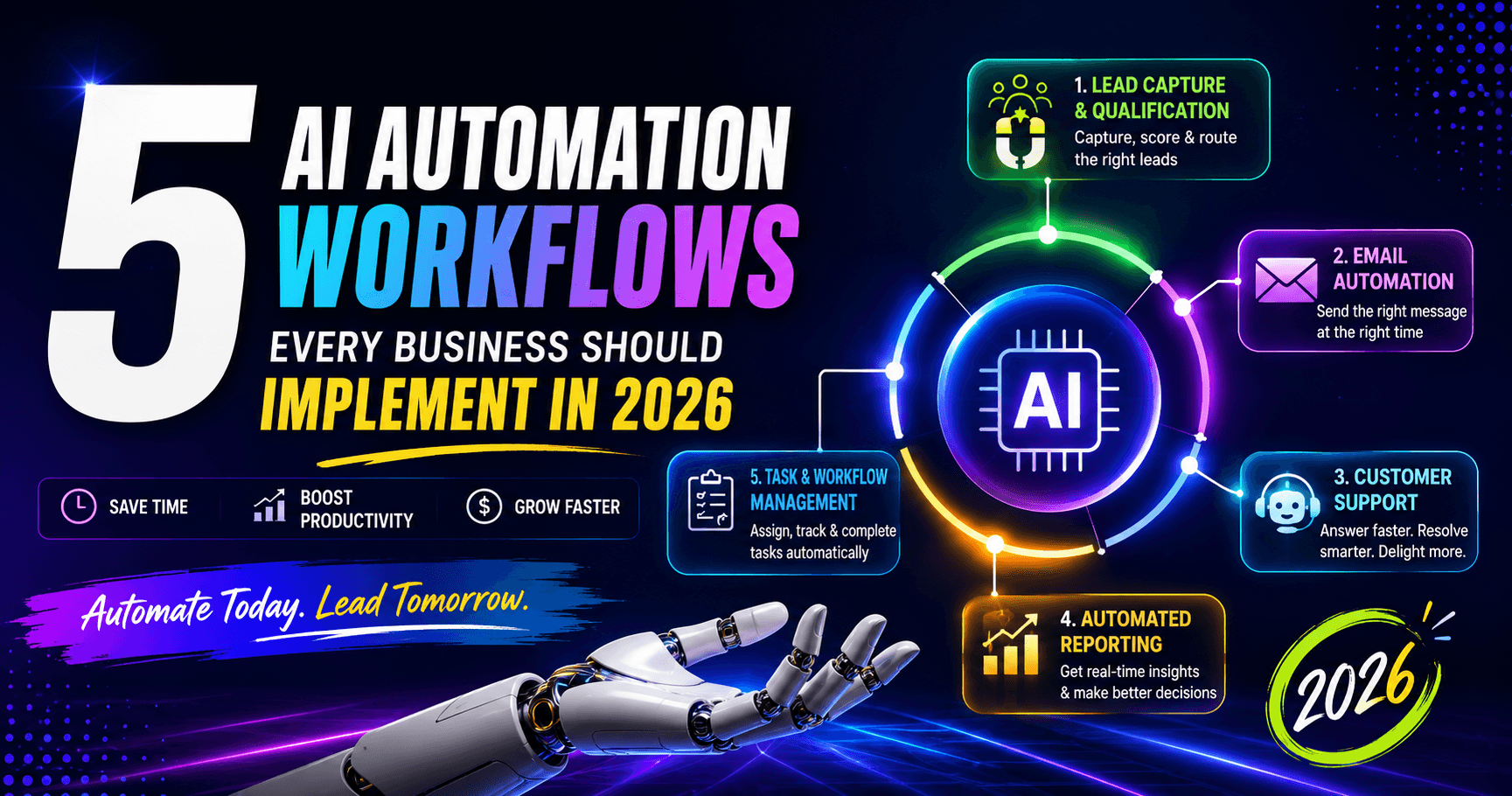
Pitfalls: respect data protection rules in your region, especially for EU and UK contacts. Enrich business data, not personal data you have no reason to hold. For a wider view of where AI steps fit, see our list of AI automation workflows every business should implement.
Comparison table: which n8n workflow to build first
The time saved and difficulty columns below are our rough judgement, not measured figures. Your results depend on volume and how clean your data is.
| Workflow | Trigger | Key nodes | Time saved | Difficulty |
|---|---|---|---|---|
| Lead capture to CRM | Form webhook | Webhook, CRM, Email/WhatsApp, Slack | High for sales-led teams | Easy |
| Invoice extraction | Email attachment | Gmail, Extract from File, AI, Sheets/accounting | High if you get many invoices | Medium |
| Slack/WhatsApp alerts | Event (order, payment, review) | Trigger, IF, Slack/WhatsApp | Medium | Easy |
| Weekly reporting | Schedule | Analytics/CRM nodes, Aggregate, Email | Medium, every week | Easy to medium |
| Ticket triage | New ticket | Helpdesk, AI, Switch | High for busy inboxes | Medium |
| Shopify fulfilment | Shopify order | Shopify, HTTP Request, Sheets, messaging | High for growing stores | Medium |
| Social scheduling | Sheet row / schedule | Sheets, AI, approval, social nodes | Medium | Medium |
| Onboarding | Deal won / new hire | Drive, Slack, task tool, Wait | Medium, fewer mistakes | Easy to medium |
| Appointment reminders | Schedule | Calendar, Date & Time, SMS/WhatsApp | Medium, fewer no-shows | Easy |
| Lead enrichment | New contact / schedule | HTTP Request, AI, CRM, Slack | Medium | Medium |
Our advice: start with one easy workflow that touches revenue, usually lead capture or reminders. Get it stable, then add the next.
Self-hosting vs n8n Cloud
Both run the same workflows. The difference is who looks after the server.
n8n Cloud is the simpler choice. n8n hosts and updates it, and plans are priced by monthly executions. As of October 2026, the n8n pricing page lists Cloud plans from €20 a month (billed annually) for 2,500 executions, with a free trial. It suits teams with no one technical in-house and moderate volumes.
Self-hosting means running n8n on your own server or cloud account. n8n's own comparison says self-hosting needs technical expertise for installation and configuration, and that you must provide and manage infrastructure. In return, your data stays on your servers. On the free Community edition you are not paying n8n per execution, so capacity comes down to your server.
One licence point matters here. The self-hosted edition is covered by n8n's Sustainable Use License. It lets you use n8n for your own internal business purposes. If you plan to resell n8n or host it for clients, read the licence first.
In practice we suggest:
- Choose Cloud if you want to start this week, run a few thousand executions a month, and have no one to patch servers.
- Choose self-hosted if you handle sensitive data, need high volumes, or already run your own cloud infrastructure.
- Either way, set up error workflows that alert you when something fails, and back up your workflows and credentials.
When to hire an n8n expert
Plenty of small businesses build their first n8n workflow themselves, and we encourage it. You learn how your own processes work. It is worth bringing in help when:
- A workflow touches money, customer data or your accounting system, and a silent failure would cost real money.
- You need AI steps that must be reliable, such as classification or document extraction with review queues.
- You want a workflow that reasons and takes actions across tools, which starts to look like an AI agent. We explain the difference in what AI agents are.
- You are self-hosting and need it secured, monitored and backed up properly.
- You have five or more workflows and no one person understands all of them.
A good n8n expert should leave you with documented workflows, error alerts, and the ability to edit them yourself. If you want a second pair of eyes on what to automate first, our n8n automation team can map your processes and build the first workflows with you.
We cover this in more depth as part of our AI Automation work — explore the full scope and how pricing typically breaks down.